Artificial intelligence has become a practical tool for college and university students. From organizing lecture notes to breaking down complex math problems step by step, AI tools can save hours of study time every week.
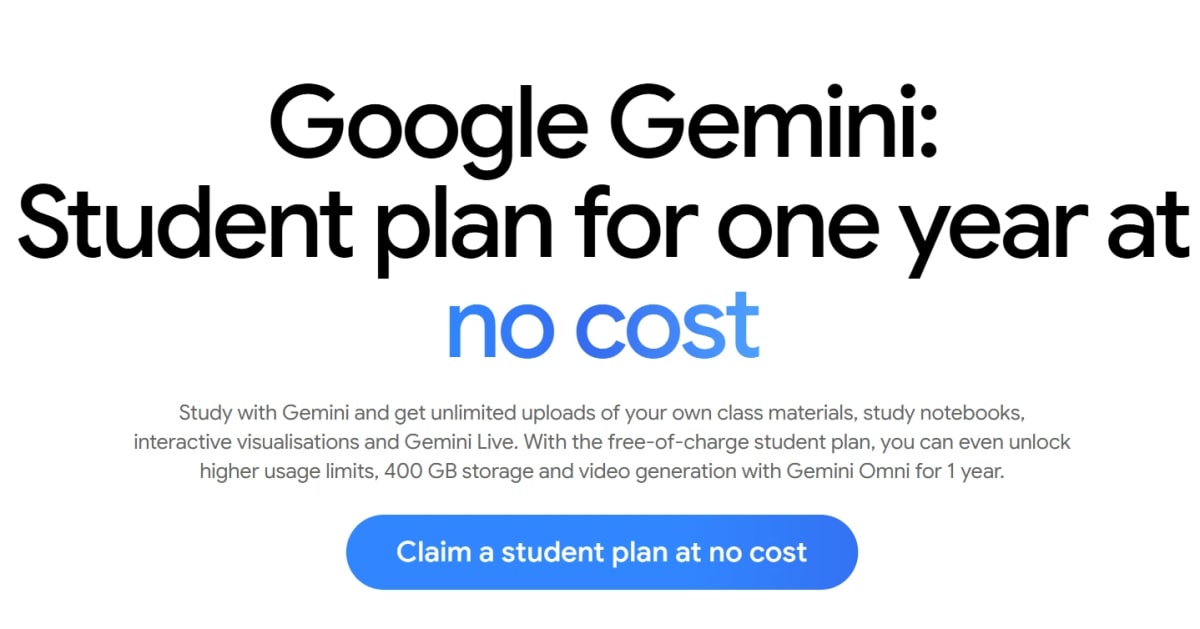
Google offers an official Google Gemini Student Plan that gives eligible students access to premium AI features for one full year at no cost. This guide covers what is included in the plan, who is eligible, how to claim the offer step by step, and how to use Gemini effectively for your coursework.
What Is the Google Gemini Student Plan?
The Google Gemini Student Plan provides 12 months of free access to Google AI Plus features. It is built to help students turn raw class materials into organized, easy-to-understand learning resources.
Instead of paying a monthly subscription fee, verified students receive premium access for one full year.
| Feature | Details |
|---|---|
| Subscription Cost | Free for 12 months (standard rate applies after trial) |
| Cloud Storage | 400 GB of Google cloud storage |
| Material Uploads | Unlimited uploads of class notes, slides, and assignment PDFs |
| AI Features | Gemini Live, Gemini Omni video generation, interactive visualisations |
| Workspace Integration | Connects directly with Gmail, Google Drive, and Google Docs |
Key Features Built for Students
Understanding difficult topics often requires more than reading textbooks. Gemini provides several specific tools designed for daily academic work.
1. Custom Study Notebooks
You can upload your syllabus, lecture slides, and PDF readings into a dedicated study notebook for each class. Gemini reads these documents and builds custom learning plans, practice quizzes, and summaries based directly on your actual coursework.
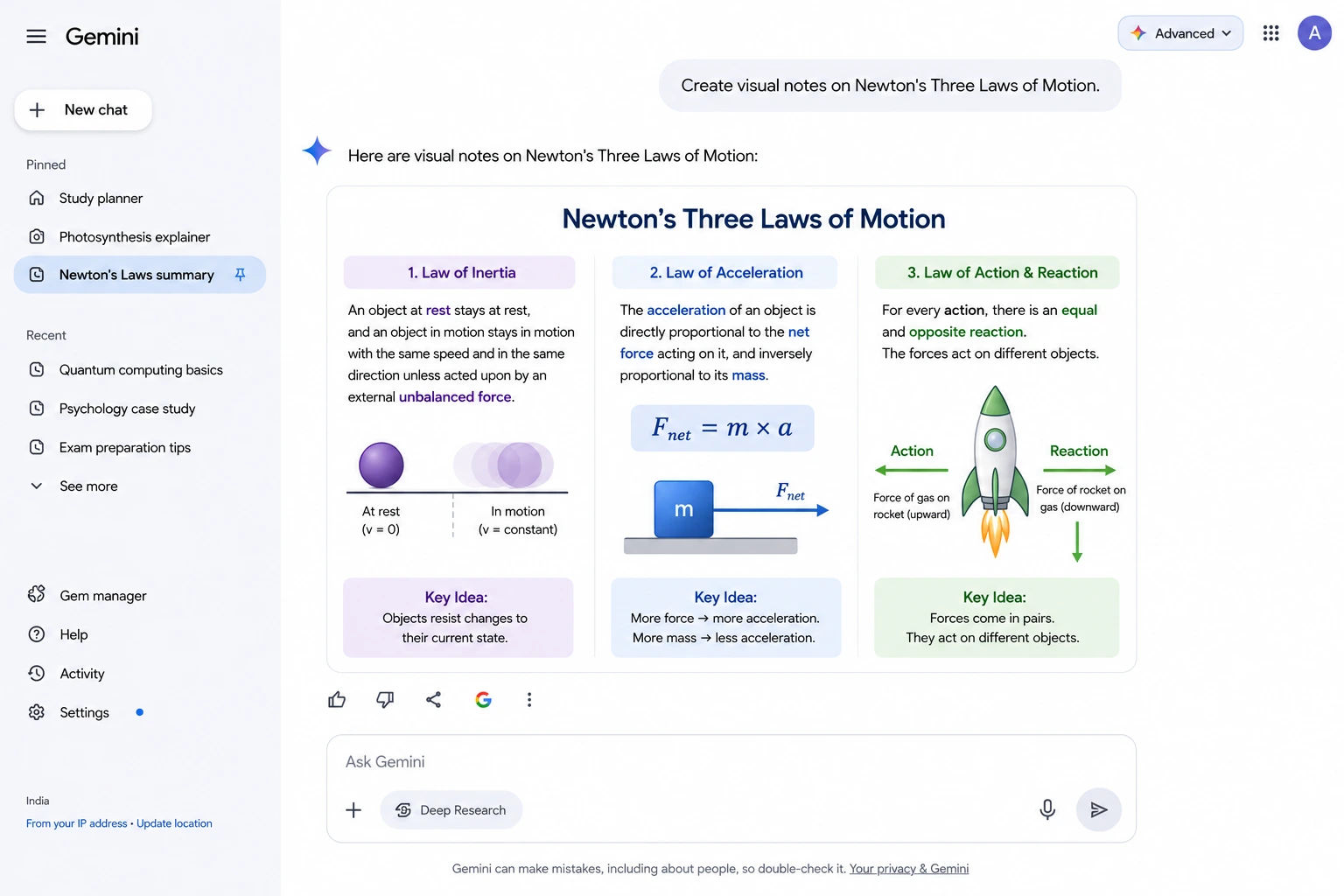
2. Interactive Visualisations
For complex scientific processes or mathematical concepts, plain text is not always enough. Gemini can generate visual diagrams and charts to help you see how concepts work step by step.
3. Gemini Live
Gemini Live allows you to have real-time voice conversations with the AI. If you get stuck on a topic while studying late at night, you can talk through the problem out loud and ask follow-up questions just like you would with a tutor.
4. Personalised Quizzes and Performance Trackers
To prepare for exams, you can convert your notes into practice quizzes. The platform tracks your progress over time to highlight which growth areas need additional review.
Practical Ways to Use Gemini for Coursework
To get the best results from Gemini, give it clear, specific instructions alongside your uploaded files. Here are simple workflows you can use right away.
Homework Breakdown
If you are struggling with a multi-step math problem or complex concept, upload an image or file of the assignment. Useful prompts include:
- "Walk me through the solution for this math problem step by step."
- "Explain how DNA replication works using simple terms."
This approach helps you understand the process rather than just copying a final answer.
Exam Prep and Audio Overviews
Before a midterm or final exam, upload your unit slides and lecture notes. Useful prompts include:
- "Create a practice quiz based on these lecture notes."
- "Turn my class notes into a study guide."
- "Generate an Audio Overview from this report."
An Audio Overview converts your notes into a conversational audio file that you can listen to while commuting or exercising.
Writing and Research Help
Gemini can act as a writing assistant throughout your drafting process. Helpful prompts include:
- "Proofread my essay and suggest improvements for sentence flow and grammar."
- "Run a Deep Research query about the historical significance of this event."
- "Make this email sound more professional."
Who Is Eligible for the Student Offer?
To qualify for the free one-year student plan, you must meet the following requirements:
- Enrollment: You must be an actively enrolled student at an accredited higher education institution.
- Verification: You need to verify your student status during sign-up using student credentials or an approved verification service.
- Payment Method: A valid payment card (credit or debit) is required at sign-up to set up your account. You will not be charged during the 12-month free period.
- Deadline: The offer must be redeemed before December 31, 2026.
Step-by-Step Guide: How to Claim Your Free Year
Claiming the offer takes only a few minutes:
- Go to the Student Portal: Visit the official Google Gemini student page.
- Click Claim Offer: Select the Claim a student plan at no cost button.
- Sign In: Log in with your primary Google account.
- Verify Student Status: Follow the on-screen prompts to confirm your current student status.
- Add Payment Details: Enter a valid payment method to complete enrollment.
- Start Studying: Once confirmed, your account will instantly upgrade to the 1-year Google AI Plus student plan.
Important Things to Know Before Signing Up
To manage your account smoothly and avoid unexpected charges later, keep these practical points in mind:
- Automatic Renewal: After your 12-month trial ends, your subscription will automatically renew at the standard monthly price (for example, ₹399/month or your local regional rate) unless cancelled earlier.
- Cancel Anytime: You can cancel the subscription at any time in your Google account settings. If you cancel early, you still keep full access until the 12-month free period ends.
- Data Safety: Avoid uploading sensitive personal information or private documents into public AI tools.
Share this reporting
Independent journalism and regional news coverage.
Frequently Asked Questions
Key takeaways and questions regarding this story.
Yes, eligible higher-education students receive 12 full months of access to Google AI Plus features and 400 GB of cloud storage at no cost.
Google requires a payment card to verify your identity, prevent duplicate account claims, and set up automatic renewal after the 12-month free period ends. You will not be charged during your trial.
The offer must be claimed using a personal Gmail account. However, your institutional (.edu) email address or student ID is used during the SheerID process to verify your active enrollment status.
Verification is handled by SheerID. You can verify instantly by entering your institutional email or by uploading proof of enrollment, such as a current class schedule, tuition receipt, or student ID.
The offer must be claimed using a personal Gmail account. However, your institutional (.edu) email address or student ID is used during the SheerID process to verify your active enrollment status.